Load & align
Load the scan and select the original scan body. Establish its position in the case.
 AXIALDENTAL SOLUTIONS
DIGITAL DENTISTRY. CONNECTED.
Meet Smart Axial SWAP. A focused workflow for aligning scan bodies, replacing compatible digital representations, and reviewing the result before export.
Private pilot · invitation only
SEE IT IN ACTION
An edited recording of the software using a synthetic demonstration model. From original alignment to comparison, confirmation and verified export.
Synthetic demonstration · no patient data · processing pauses shortened. Not a clinical validation.
THE SMART AXIAL WORKFLOW
A deliberate sequence for dental professionals and laboratories. Keep each step visible, from the original scan to the replacement you review.
Load the scan and select the original scan body. Establish its position in the case.
Choose a compatible replacement and apply the placement calculated by the SWAP engine.
Inspect the original, the replacement, and their overlay. Confirm every scan body in the case.
Run the final checks and download the reviewed result. Use manual review when an exception needs attention.
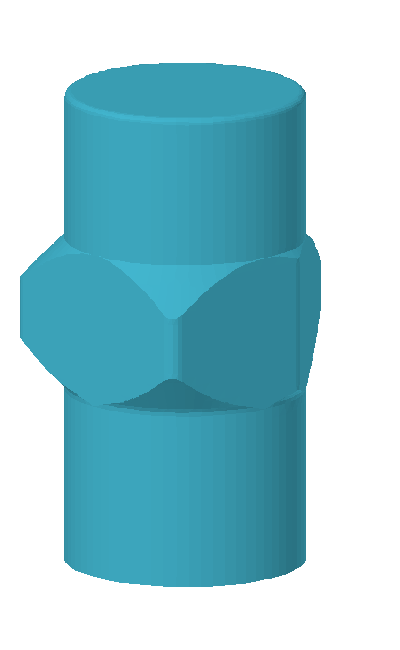
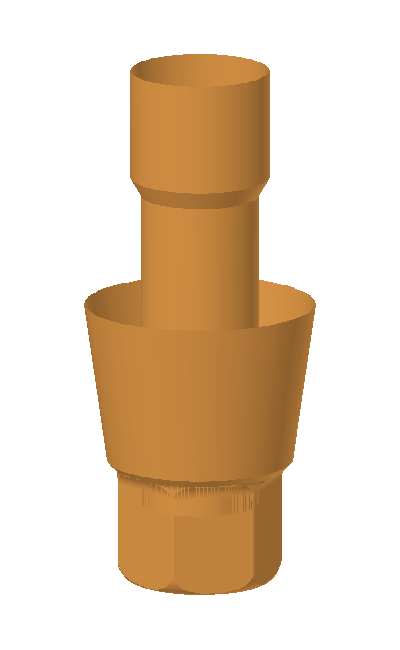
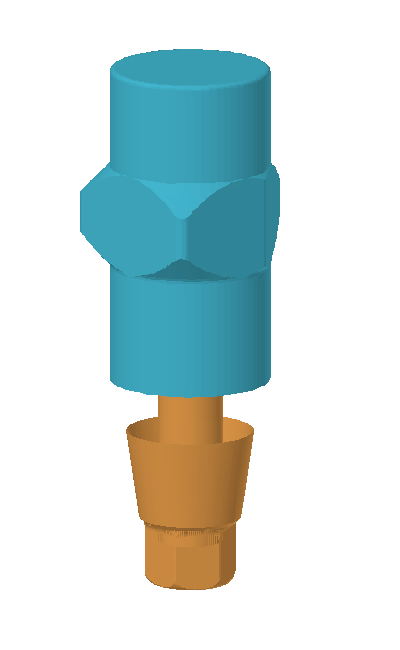
Actual catalog components, shown for presentation. No case is being processed.
SEE THE RELATIONSHIP
Explore the scan body, the connection and their relationship. In SWAP, the review compares the original, the replacement and their overlay, including cases with multiple scan bodies.
Discover the private pilot →